Retrowave 2 Customization Hub
Spend surplus cash on identity once your car already handles the highway.
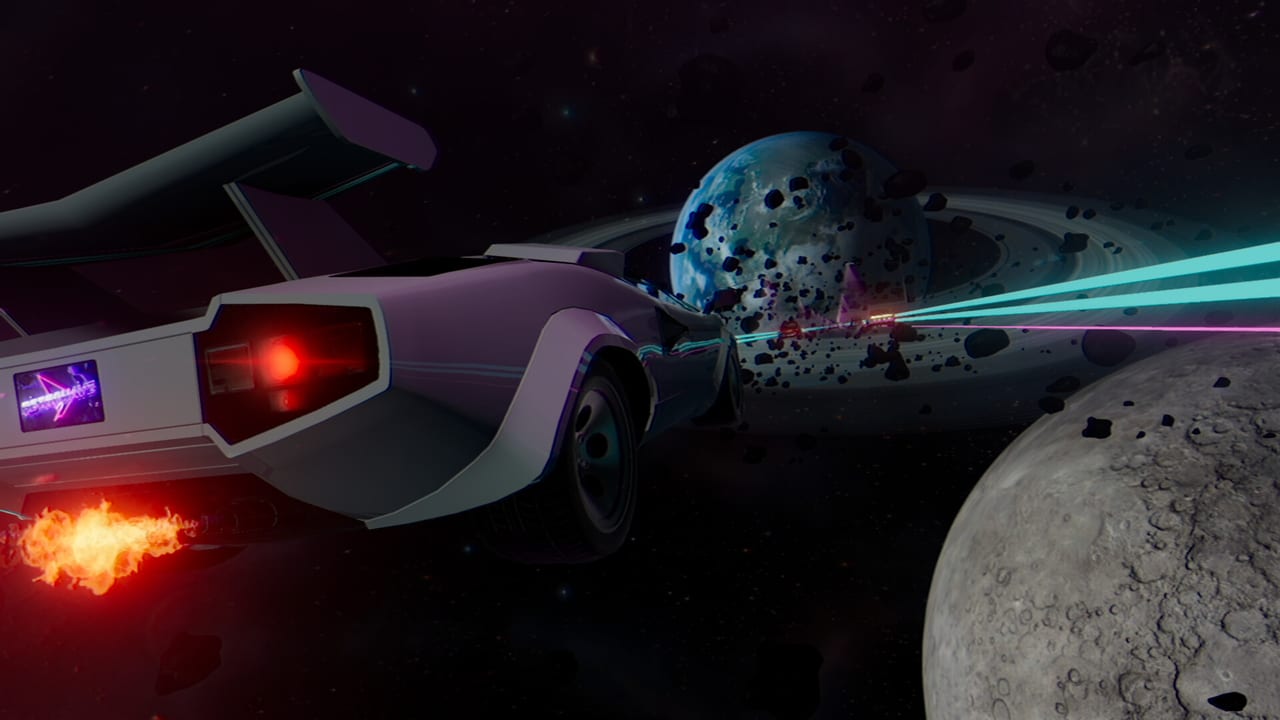
Customization is the vanity layer that makes Retrowave 2 runs feel like your night drive instead of a rental. After RewindApp’s full release, the shop fantasy includes colors, plates, spoilers, wheels, and dozens of skins. None of these parts replace engine work, but they are a legitimate endgame—and a legitimate reason to keep farming after your fifth car.
This hub tells you what to buy for style, what to ignore until your hands are stable, and how cosmetics interact with screenshots, Steam Deck OLED punch, and soundtrack mood.
Child pages
Paint, Wheels, Spoilers covers the classic body kit triangle: colorways that read in neon, wheel choices that stay visible in motion blur, and spoilers that complete a silhouette without cluttering your mental model of the car.
Skins and Plates goes deeper on full skin sets and licence plate personality. Plates are tiny; they still matter in garage flex culture and close camera angles.
Cash priority reminder
If you are still crashing in Two Way or detonating early in Bomb, redirect funds to Performance Upgrades first. A perfect chrome skin on a fishy handling setup is a meme build. Once How to Earn Money has you printing cash, cosmetics become the fun sink that keeps the loop alive.
DLC cash packs under Cash DLC can accelerate shopping, but they are optional shortcuts, not requirements. Many players prefer earning a signature look through clean near-miss nights.
Pair looks with worlds and music
A pastel car in a harsh Lazercity glare hits differently than the same skin under melancholic dusk. Browse Universe List and Soundtrack when you are building a themed loadout. Custom music support means your plate text and playlist can tell one story.
For mechanical identity rather than visual identity, return to Car Tier List and Build Recommendations. For achievement hunters who need “buy cosmetic X” milestones, keep Milestones Farming open while you shop.
Identity without sabotaging progression
The healthiest cosmetic players keep a surplus rule: cosmetics are bought with cash above the next mechanical breakpoint. Write the breakpoint on a sticky note if you must. When the note says “brakes next,” the chrome shop waits. When the note is blank because brakes already landed, the chrome shop opens.
This hub exists to celebrate that second moment. Retrowave 2 is allowed to be a fashion game after it is a driving game. The order protects both joys.
Screenshot workflow that still teaches driving
If you launch only to photograph cars, you will stall unlocks. Mix one intentional photo universe with one trainer farm. Use One Way for both if you want. The difference is greed level: photo laps can wander; farm laps track averages for the Money Run Calculator. Customization stays special when it is a reward ribbon on real sessions.
Frequently Asked Questions
Quick answers for Retrowave 2 drivers.
Do skins make Retrowave 2 cars faster?
No. Skins, paint, wheels, spoilers, and plates are cosmetic. Speed and control come from performance upgrades.
When should I start buying cosmetics?
After your main car has stable handling and brakes for the modes you play most. Then cosmetics are a great cash sink.
Are cosmetics shared across all cars?
Treat unlocks as garage shop progress tied to how the game presents owned items per vehicle—confirm in your build which items are car-specific.
Does DLC add customization options?
Map and soundtrack DLC expand atmosphere; cash DLC can help you afford shop items faster. Check each DLC page for what it actually grants.