Retrowave 2 Cars Hub
Collect 15+ arcade machines and spend cash where the garage actually improves your runs.
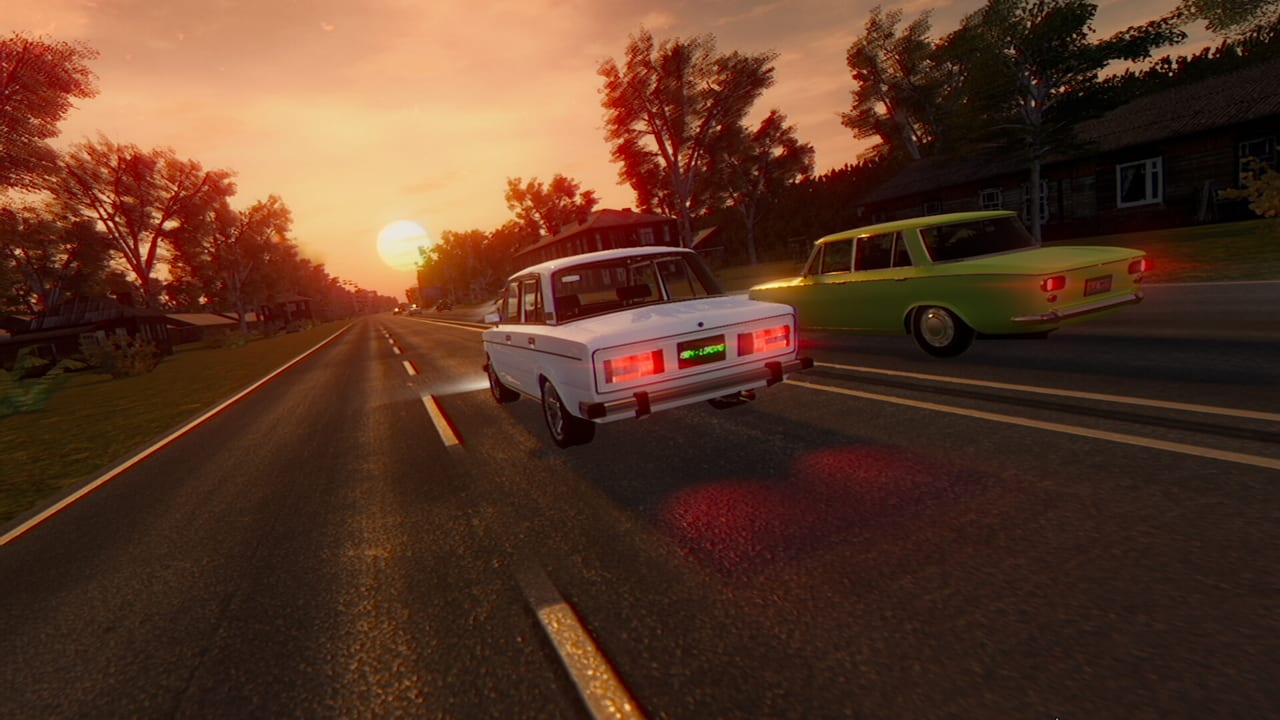
The Cars Hub covers the garage fantasy at the center of Retrowave 2. RewindApp’s arcade racer starts you with the Falcon 40 demo-and-campaign familiar face, then invites you to earn cash until the lot grows past fifteen machines—including VAZ and COMET 4 added in the August 2026 Version 1.0 patch. Cars are not only cosmetics on wheels; each purchase changes how traffic gaps feel, how nitro bursts land, and which modes become comfortable.
Retrowave 2 remains single-player. There is no online lobby dictating a meta. Your “tier list” is personal: money efficiency, Bomb survival comfort, Time Attack pace, and how much you enjoy a silhouette under neon palms. Still, some unlock orders waste fewer runs. This hub points you to those decisions.
Child pages
Car List is the catalog overview for the roster and what each role tends to do in the endless highway sandbox. Watch the embedded garage tour mindset video, then cross-check prices in your own Steam build after patches—including version 1.0 rims and COMET skins.
Unlock Guide focuses on cash routing: when to buy the next car versus when to finish engine, handling, brakes, and nitro on your current main. Many players unlock too early, then suffer a soft car with no upgrades in Two Way traffic.
Car Tier List is featured because it answers the loud question after the first three unlocks: what is worth driving for money, for Bomb, and for style. Treat tiers as recommendations grounded in arcade feel, not esports law.
How cars interact with upgrades and cosmetics
A new chassis without Performance Upgrades is a photograph. Handling and brakes often matter more than a tiny top-speed bump when universes introduce tighter curves. Nitro planning belongs in Nitro Guide and Build Recommendations. Cosmetics—paint, wheels, spoilers, skins, plates—live under Customization and do not replace mechanical spend.
If you are still learning traffic, stay with Falcon 40 longer than your FOMO suggests. How to Earn Money explains why a mid upgraded starter can out-earn a fresh expensive shell. When you do expand the garage, use the Upgrade Planner to simulate spend order before you commit cash from a hot streak.
Modes change which car feels “best”
One Way forgives experimental picks. Two Way punishes wide or sluggish steering. Time Attack loves consistent nitro routes. Bomb cares about controllable speed floors. Read mode pages beside the tier list instead of chasing a single universal champion.
After this hub, either open Car List for roster context or Unlock Guide if your wallet is the bottleneck. For atmosphere-first collecting, browse Universe List so your favorite car has a favorite night city to haunt.
Frequently Asked Questions
Quick answers for Retrowave 2 drivers.
What is the Retrowave 2 starter car?
You begin with the Falcon 40. It is capable enough for early money runs once you invest in handling and brakes.
How many cars are in Retrowave 2?
The game advertises 15+ cars. Exact unlock prices can shift with patches, so confirm totals in your garage.
Should I buy cars or upgrades first?
Usually finish a useful upgrade breakpoint on your current car before buying the next chassis. See the Unlock Guide for routing.
Does DLC add cars?
Core car collecting is part of the base game loop. DLC focuses on cash, soundtrack, and map packs—check the DLC hub for pack details.